VMS (Video Management System)
A software layer that organizes and controls video from cameras, regardless of where that video is recorded or stored.
Think of CCTV as having three possible layers: cameras that capture video, a system that stores/processes it, and an interface where humans control it. A VMS is that last layer.
A DVR or NVR is a physical box that combines storage, processing, and interface in one device. You connect cameras to it, then you connect a monitor and mouse directly to the box. The DVR/NVR is already self-contained: it has its own operating system, menus, recording schedule, playback system, and storage management.
In older analog systems (DVR) or IP-based systems (NVR), everything happens inside that box. That is why you can operate it without a computer, it behaves like a small dedicated computer built only for CCTV.
A VMS is different because it does not include hardware. It runs on a normal computer or a server. Instead of cameras being locked to one recorder box, the VMS connects to cameras over a network. Those cameras may be recorded in different places or even on different devices. The VMS pulls all those video streams into one unified interface. From there, you can view live feeds, play recordings, search by time or event, and manage alerts.
If you remove both DVR/NVR and VMS entirely, then you only have cameras streaming video. You could still view them individually (for example through a browser or app), but you lose centralized recording, searching, and management. That is not really a CCTV system anymore, just isolated camera feeds.
Here are real, widely used VMS (Video Management System) software:
1. Milestone XProtect
a professional-grade VMS used mostly in large and complex security environments. It is not free in normal deployments, it is a licensed commercial product, and pricing depends on the number of cameras and features. It is designed for scalability, meaning it can manage small installations but is mainly built for enterprise systems with hundreds or even thousands of cameras. It supports advanced features like distributed recording servers, failover systems, advanced search in video archives, and integration with third-party security systems. It is commonly used in airports, cities, financial institutions, and large corporations.
OS support:
- Windows 10 / 11 Pro & Enterprise
- Windows Server 2016 / 2019 / 2022

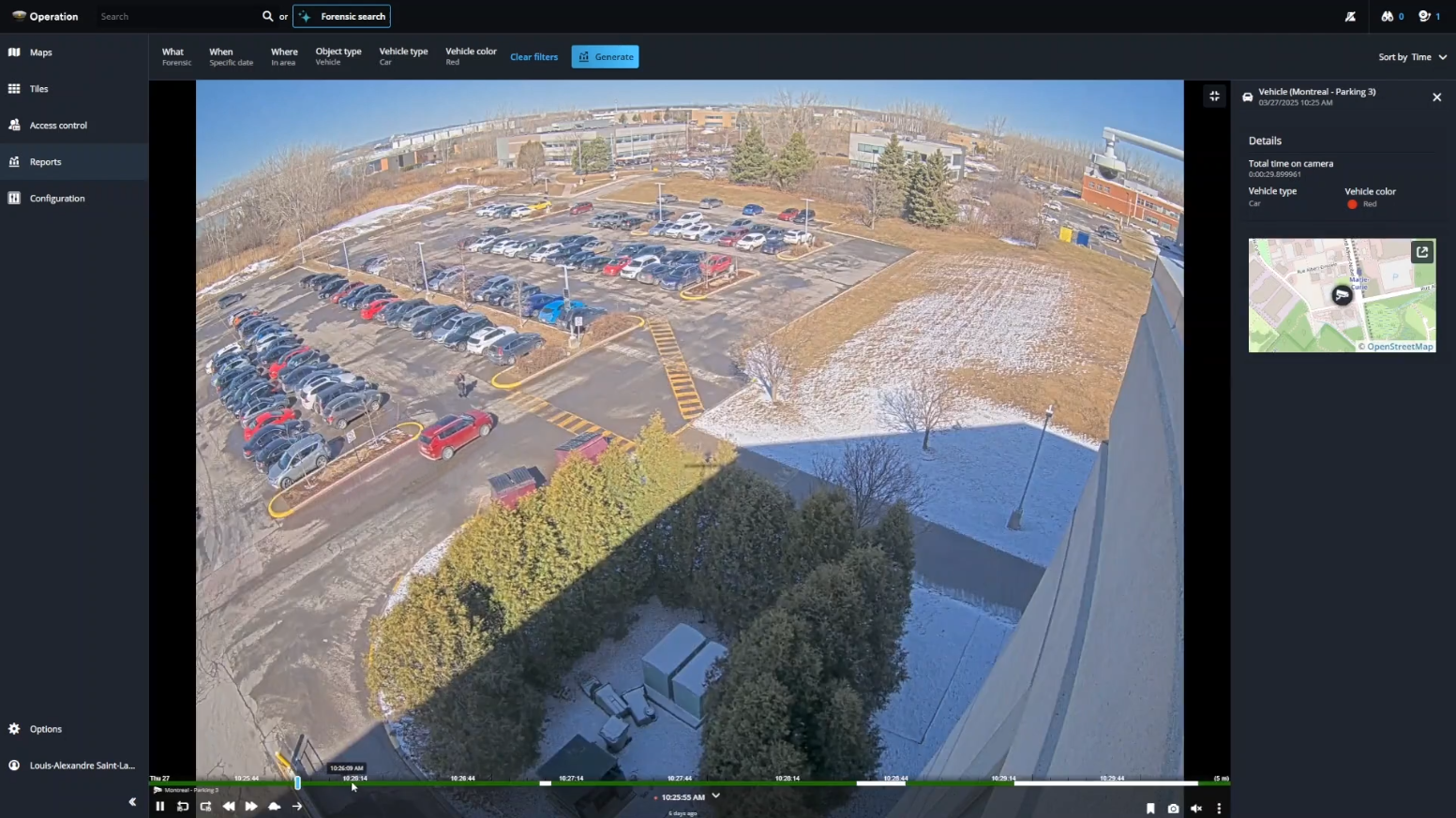
VMS Interface

2. Genetec Security Center
a high-end enterprise platform and is generally not free. It is considered more than just a VMS because it combines video surveillance, access control (doors and badges), and analytics into a single unified security platform. It is widely used in critical infrastructure such as government buildings, transportation networks, and military or high-security facilities. It is modular and highly configurable but requires significant investment in infrastructure and licensing.
OS support:
- Windows Server (primary)
- Windows 10/11 for client tools

VMS Interface
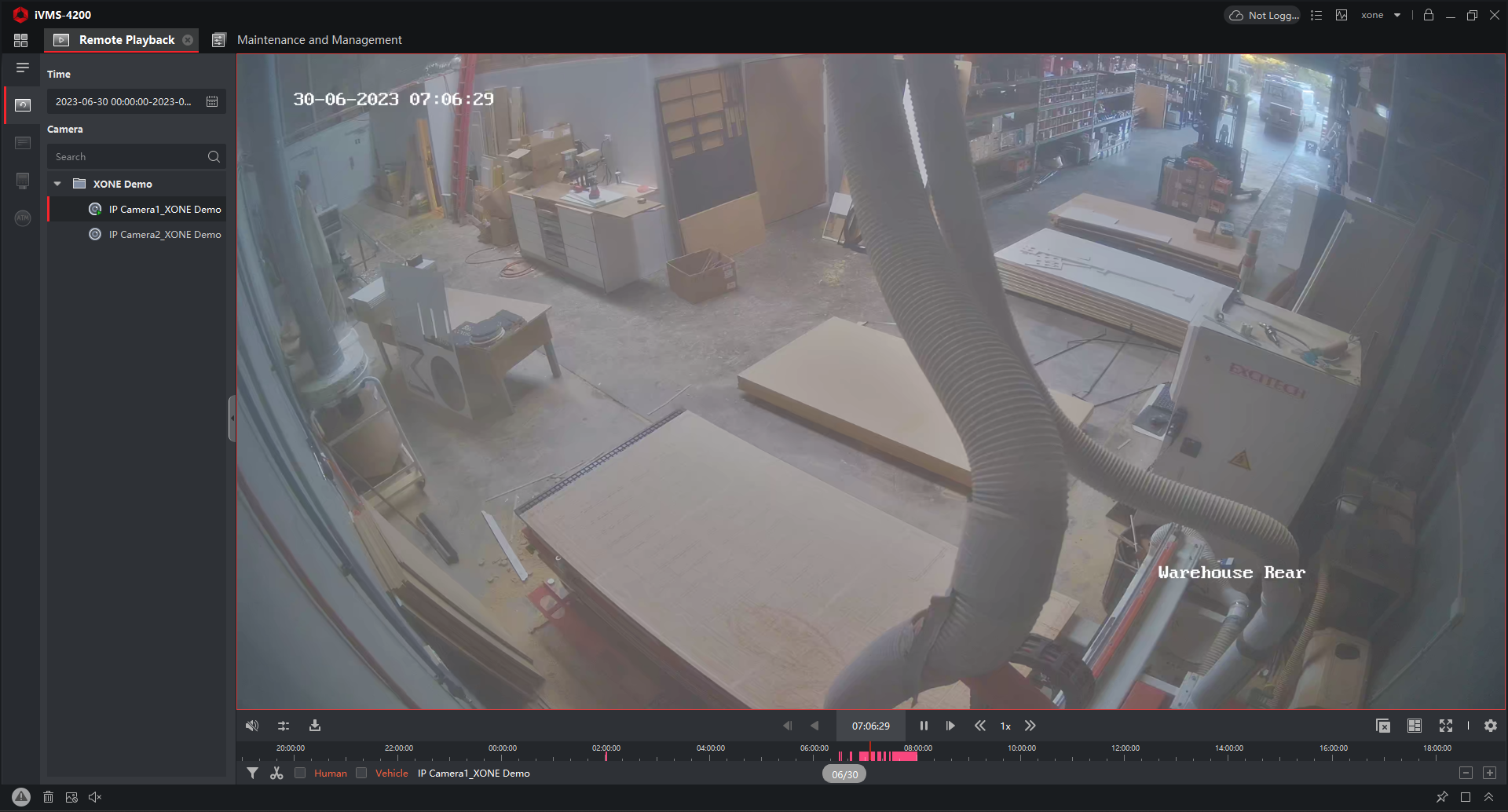
3. Hikvision iVMS-4200
a client software designed to work with Hikvision cameras and recorders. It is generally free to download and use. It is aimed at small to medium surveillance systems and provides basic functionality such as live camera viewing, playback of recorded footage, device configuration, and alarm monitoring. It does not require heavy infrastructure and is mainly used on a PC connected to Hikvision devices like NVRs or IP cameras. However, it is limited in scalability and advanced analytics compared to enterprise systems.
OS support:
- Windows (main)
- macOS (limited version available in some releases)

VMS Interface
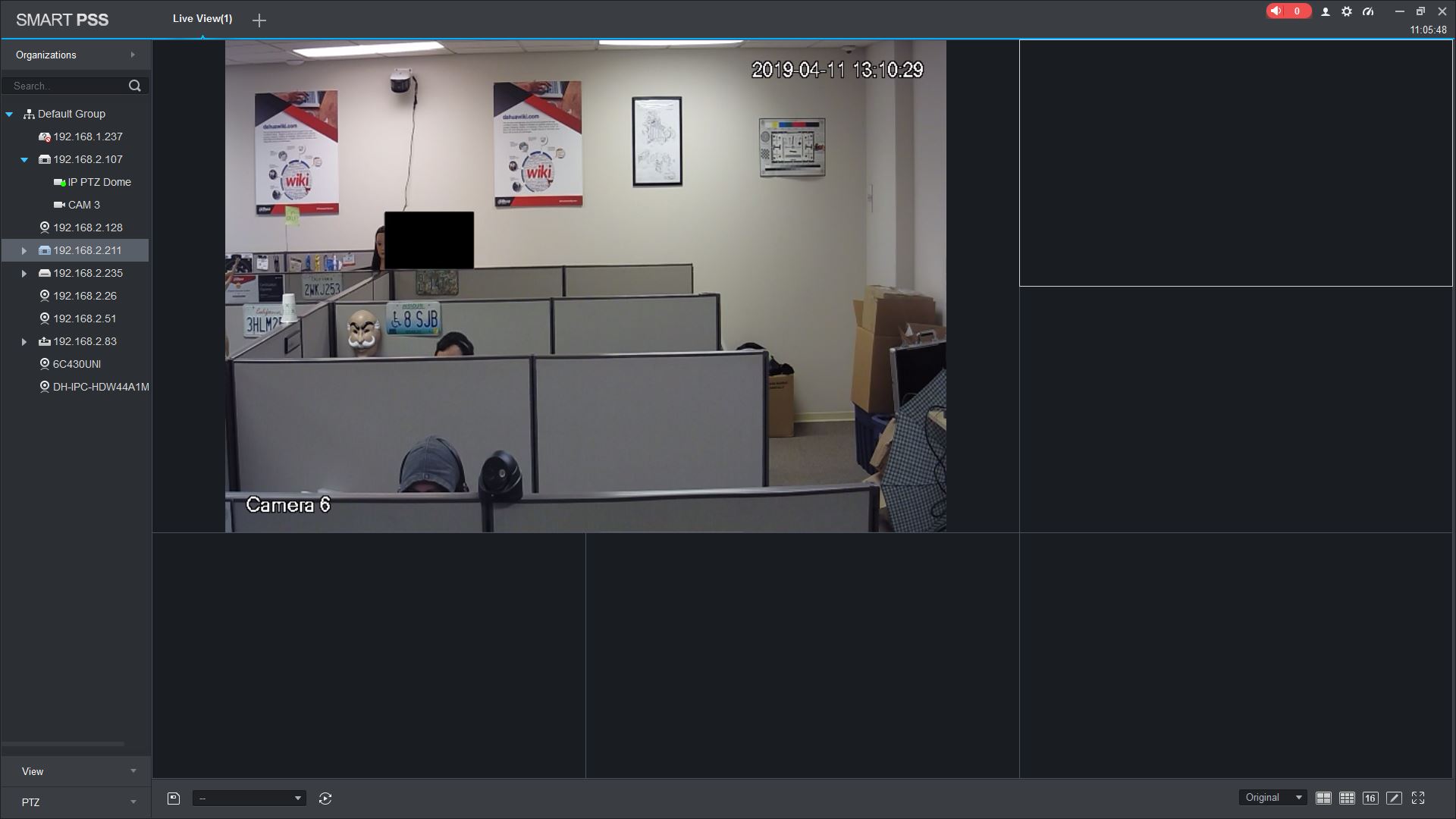
4. Dahua SmartPSS
is similar in concept to Hikvision’s software but for Dahua devices. It is also typically free and used for managing Dahua cameras, NVRs, and DVRs. It provides live view, playback, event management, and basic system configuration.
OS support:
- Windows (main)
- macOS (limited support depending on version)
VMS Interface
Dahua SmartPSS Lite
The newer version, SmartPSS Lite, is optimized for performance and simplicity, targeting small to medium businesses. It is easier to run on low-spec PCs and focuses on essential surveillance functions rather than advanced enterprise features.

VMS Interface

5. Blue Iris
a paid but relatively affordable VMS designed mainly for home users and small businesses. It runs on Windows and turns a normal PC into a surveillance server. Unlike vendor-locked systems, it supports a wide range of IP camera brands, making it flexible for DIY setups. It includes features like motion detection recording, remote access, alerts, and video storage management, and it does not scale well for very large enterprise environments.
OS support:
- Windows only (10/11 recommended)

VMS Interface

RTSP stream in VLC media player
An attacker does not need to use the same VMS that the system is running. The VMS is only a management interface for viewing and controlling cameras, not a requirement for accessing the video streams themselves.
In many cases, if the camera stream is accessible and the attacker has valid credentials or the stream is exposed due to misconfiguration, they can use a simple media player like VLC media player to view the video directly. VLC can open network streams such as RTSP feeds without needing any VMS software at all.
VLC simply acts as a viewer, not a VMS.
An RTSP stream is basically a live video URL coming from a camera or NVR. Example URL:
rtsp://username:password@IP-address:port/stream
You use this in VLC media player > Media > Open Network Stream